
Landing pages
OpenBioMaps projects can use a customised landing page. Three approaches are available:
the built-in main page;
an independent custom page application; or
a single-page application installed as a module.
The appropriate option depends on how much customisation the project requires. The built-in main page is suitable for common layouts, while a custom page or a single-page application can provide a fully customised interface.
Built-in main page
The built-in main page can be configured through the main page editor in the
project administration interface. Low-level settings can also be configured
in the project’s local_vars.php.inc file.
To use it as the landing page, set LOGINPAGE to mainpage. OpenBioMaps
will then load the main page template configured by MAINPAGE.
See the server installation guide for example
local_vars.php.inc settings, including the available LOGINPAGE and
MAINPAGE values.
Whenever possible, use the project administration interface instead of
editing local_vars.php.inc directly. Direct configuration changes should
be made by a server administrator and tested before they are deployed to
users.
Custom page application
A project can also use a complete, independent application as its landing page. OpenBioMaps refers to this type of application as a custom page. Custom pages can be configured through their project administration pages.
A custom page is typically implemented with HTML, CSS, and JavaScript. It can use a JavaScript framework such as Vue.js or Alpine.js, but a framework is not required. The implementation should remain compatible with the project’s authentication, authorisation, and deployment environment.
Before publishing a custom page, verify that it works for both authenticated and unauthenticated visitors, according to the project’s access rules. It should also be tested on the screen sizes and browsers used by the project’s target audience.
Single-page application
The third option is a single-page application (SPA) installed through the single-page application module. To use an SPA as the project’s landing page, the project router must be configured to direct the landing-page route to the application.
Router changes affect how project URLs are handled and should therefore be performed by a developer or server administrator. Test direct navigation, page refreshes, authentication redirects, and browser back and forward navigation after changing the routing configuration.
See the module documentation for more information about single-page applications and other OpenBioMaps modules.
Choosing an approach
Consider the following when selecting a landing-page implementation:
Use the built-in main page when its templates and configurable components meet the project’s requirements.
Use a custom page when the project needs a specialised page but does not require a complete client-side application.
Use an SPA when the landing page requires complex client-side navigation, state management, or application-specific interactions.
Prefer the simplest option that meets the requirements, as custom applications require ongoing development, security updates, and browser compatibility testing.
After configuring a landing page, verify that:
it loads at the expected project URL;
login and logout redirects work correctly;
links to OpenBioMaps pages use the correct project path;
access restrictions are enforced;
the page works on mobile and desktop devices;
images and other static resources load correctly; and
useful content remains available when JavaScript or an external service fails, where practical.
Examples
The following screenshots show landing pages used by different projects.
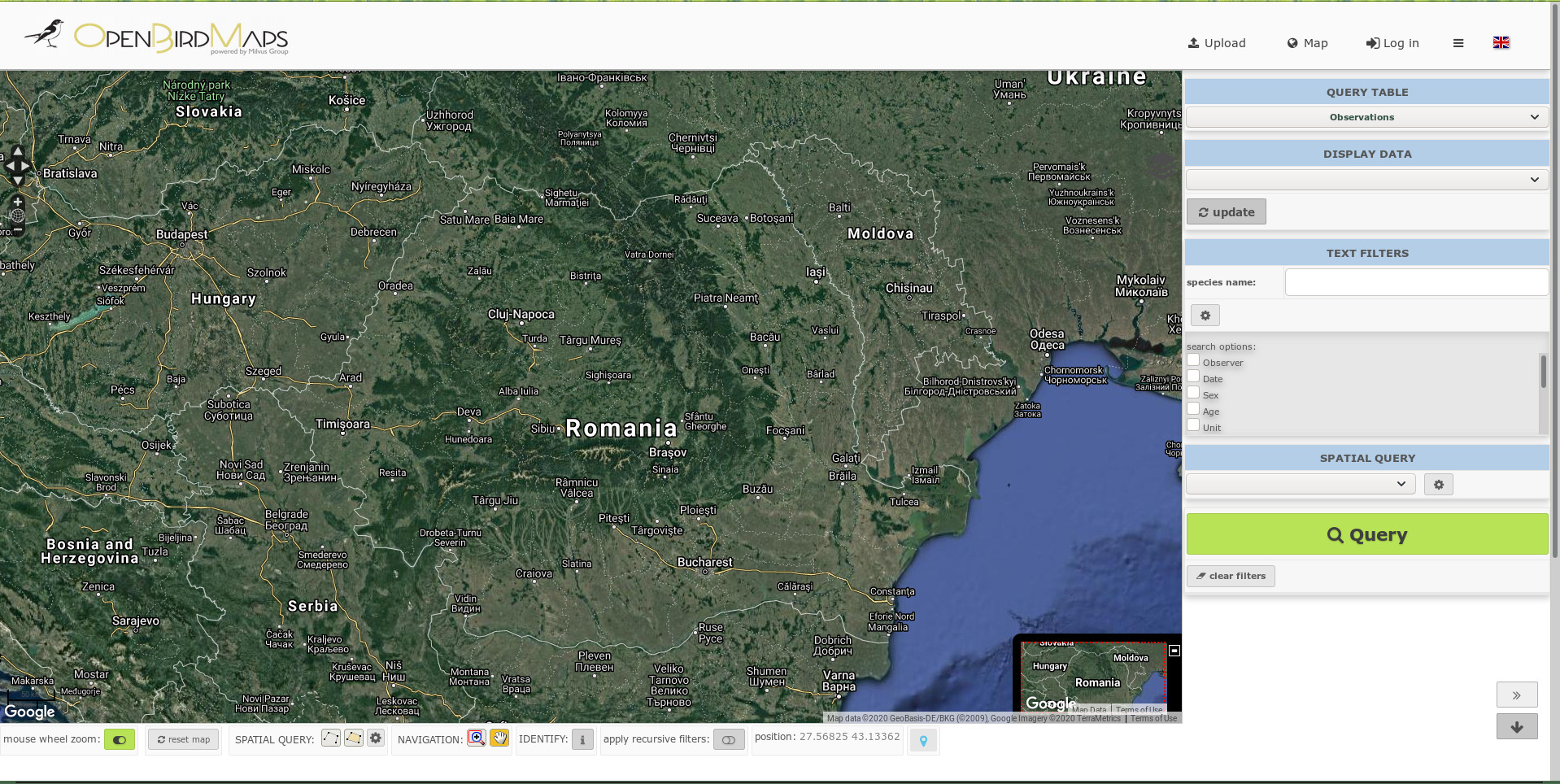
Single-page application used as a landing page.
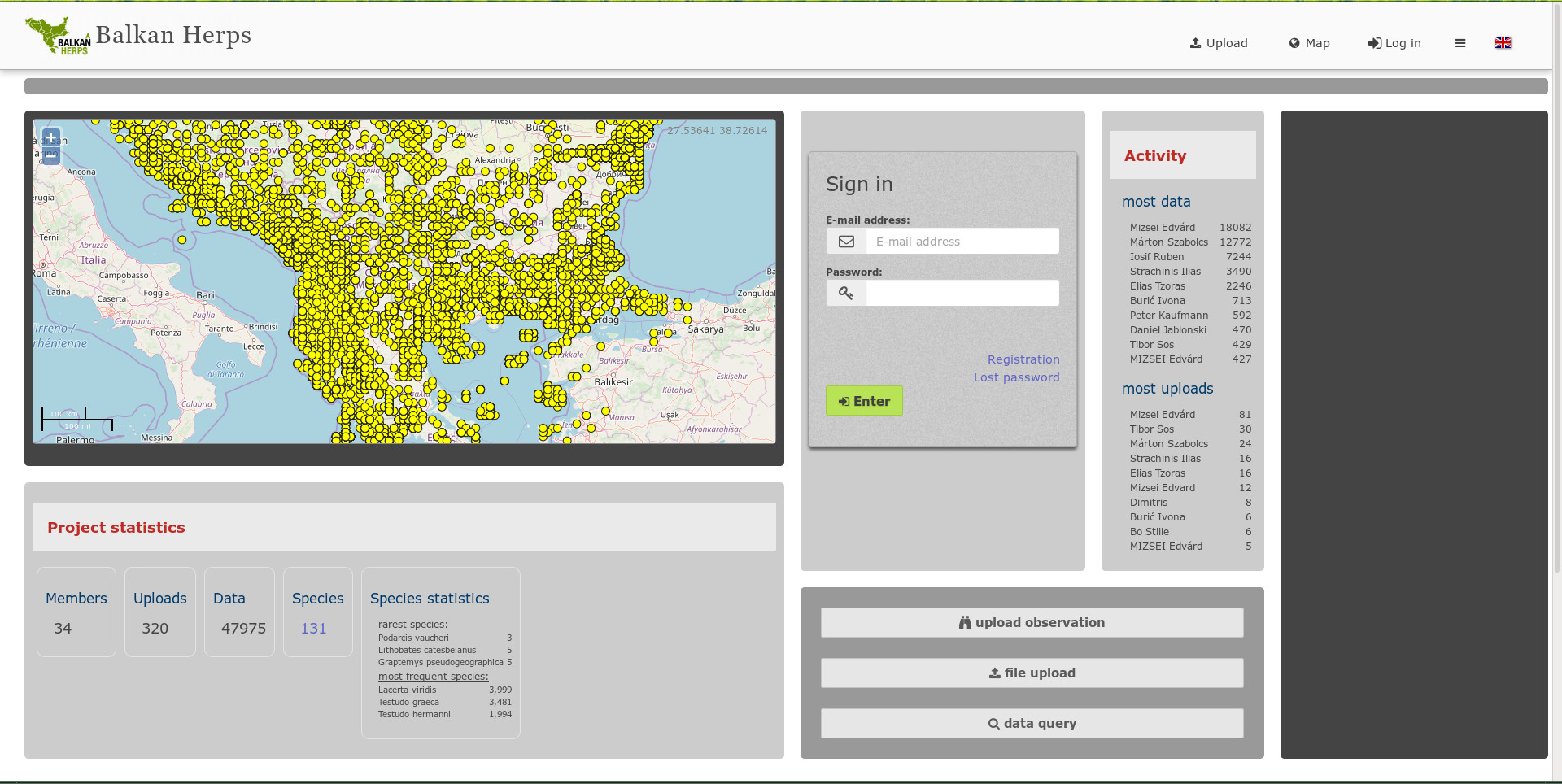
Built-in landing page with basic settings and a map.
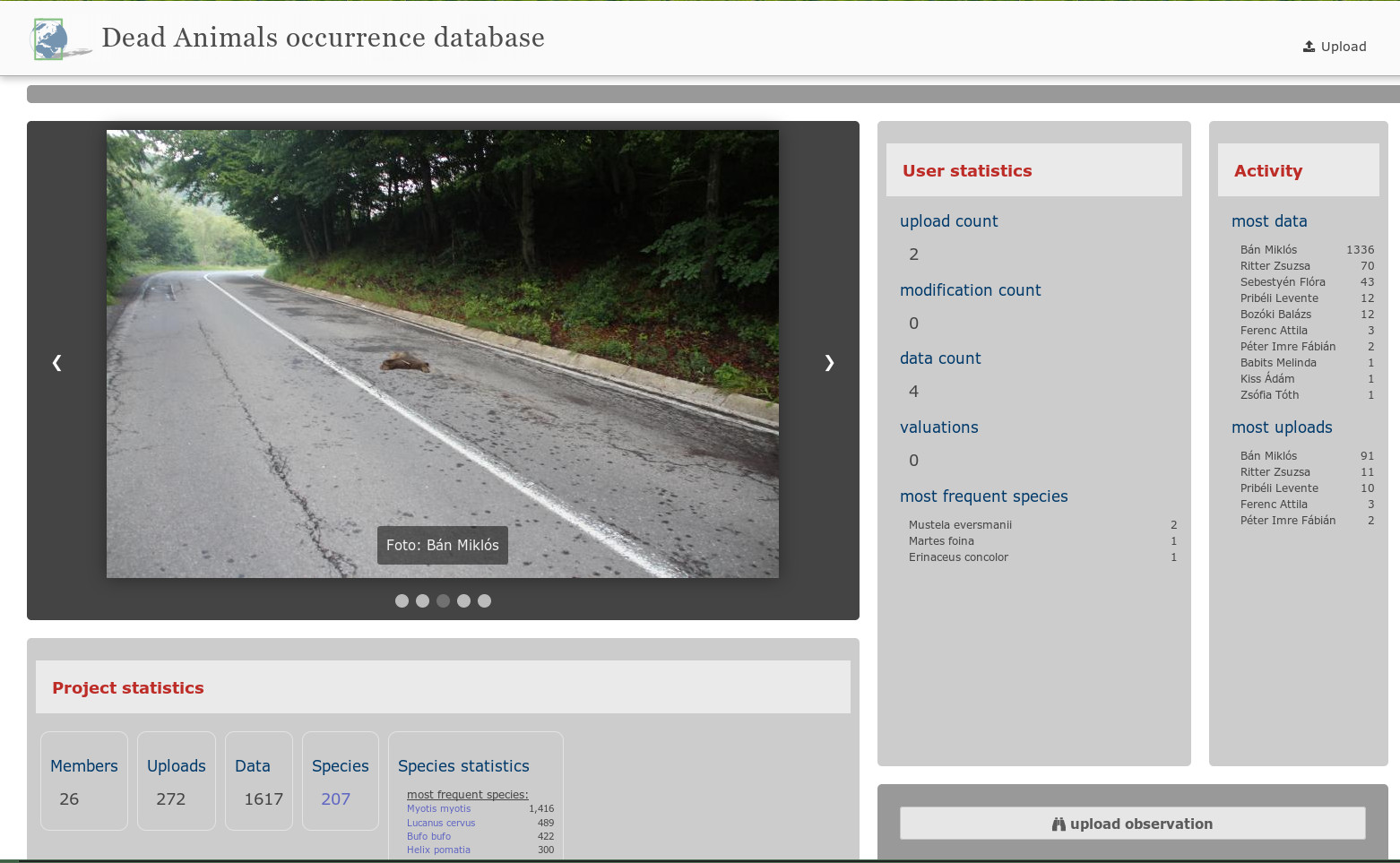
Built-in landing page with an image gallery.

Full-screen landing page with a slide-in image gallery.
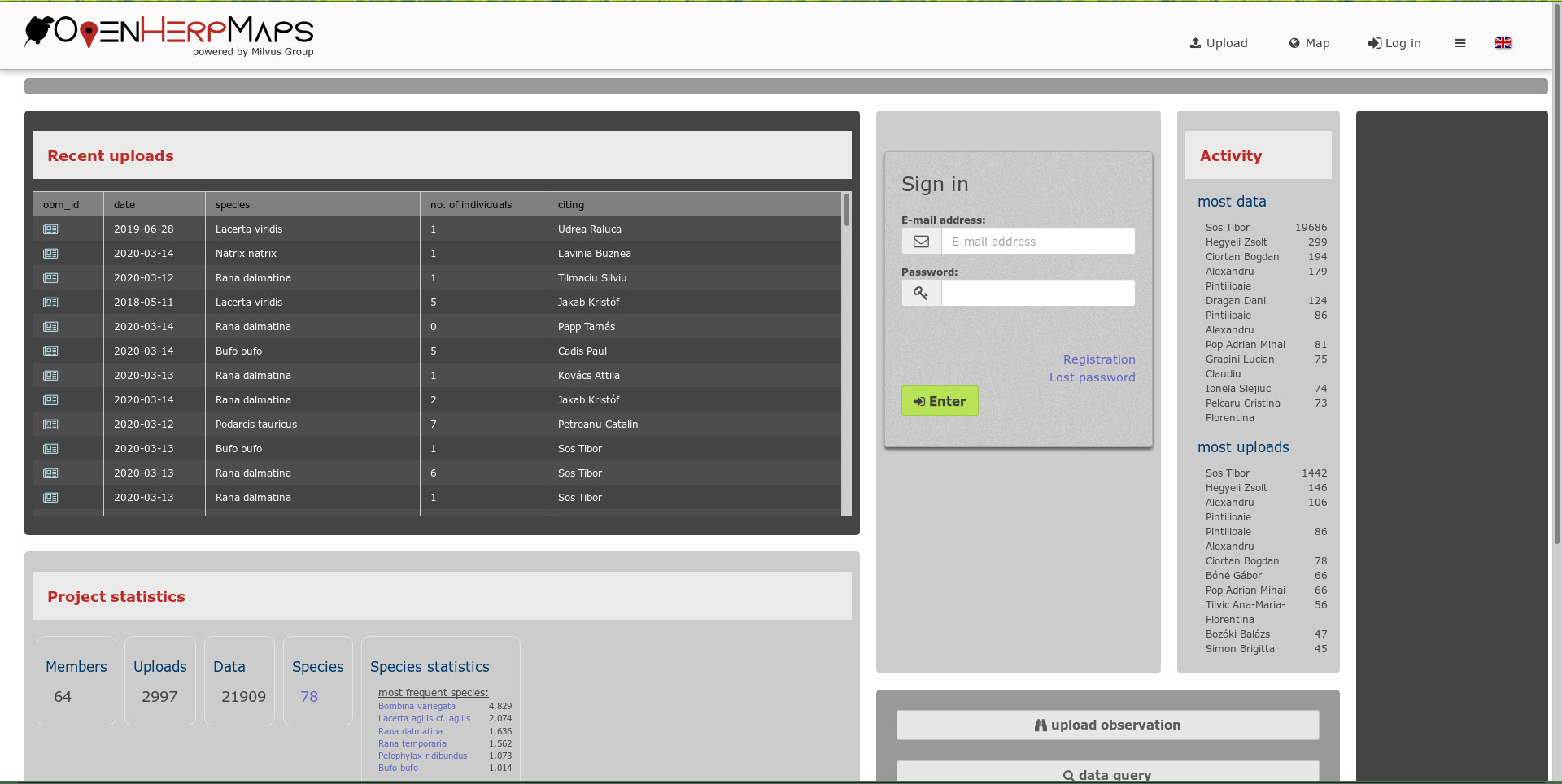
Built-in landing page with basic settings and a custom summary table.
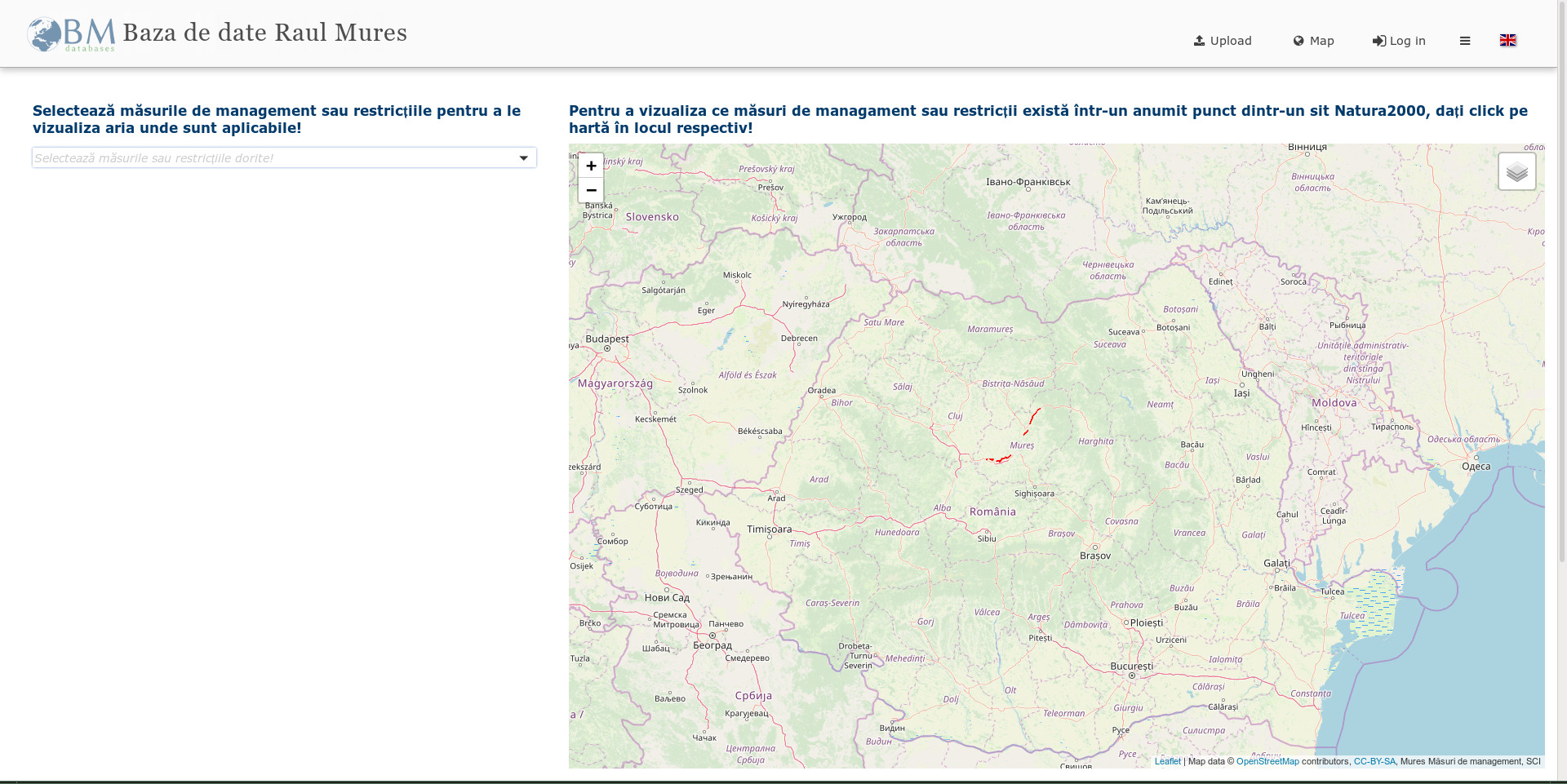
Project map embedded in a landing-page interface.
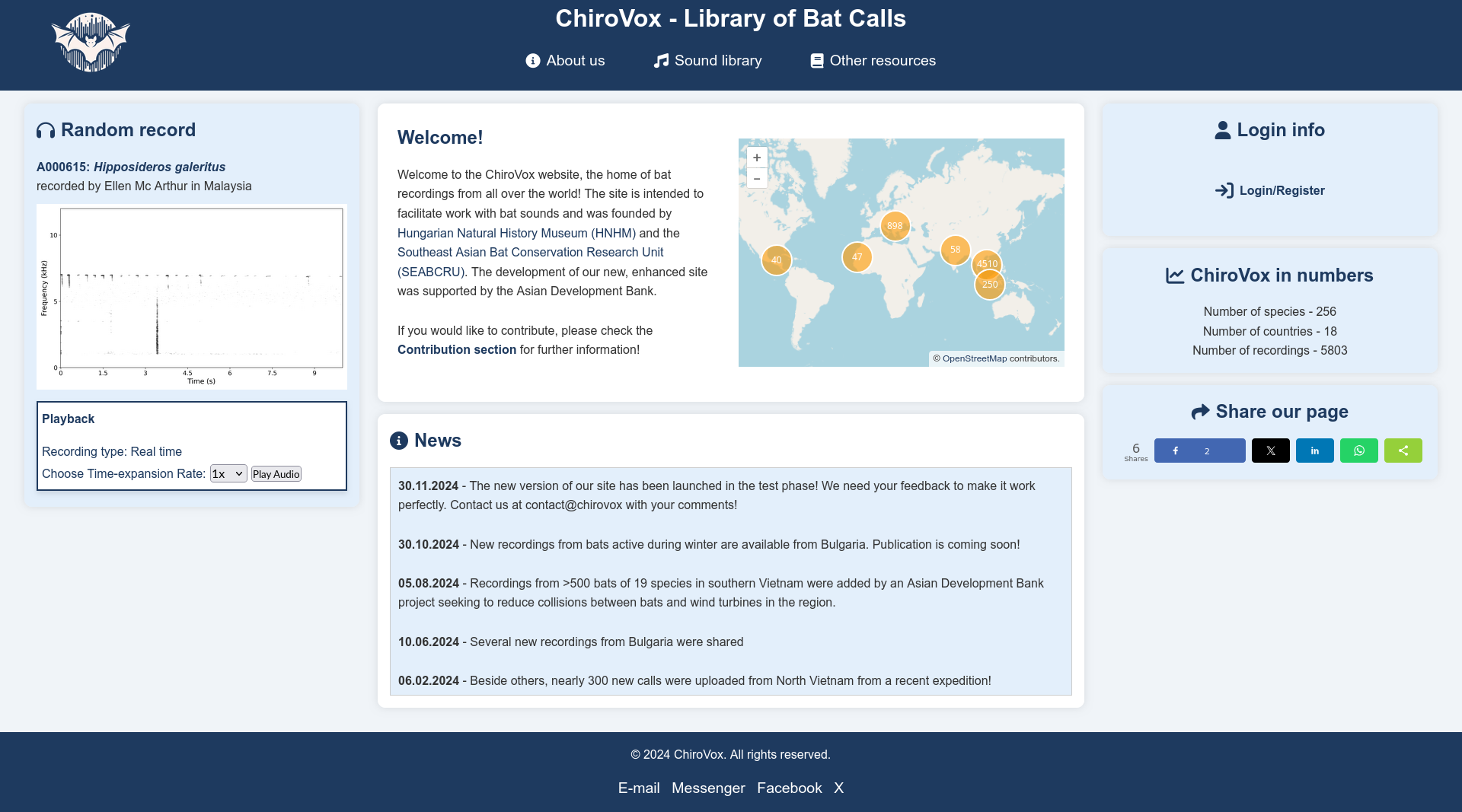
Single-page application used as a landing page.
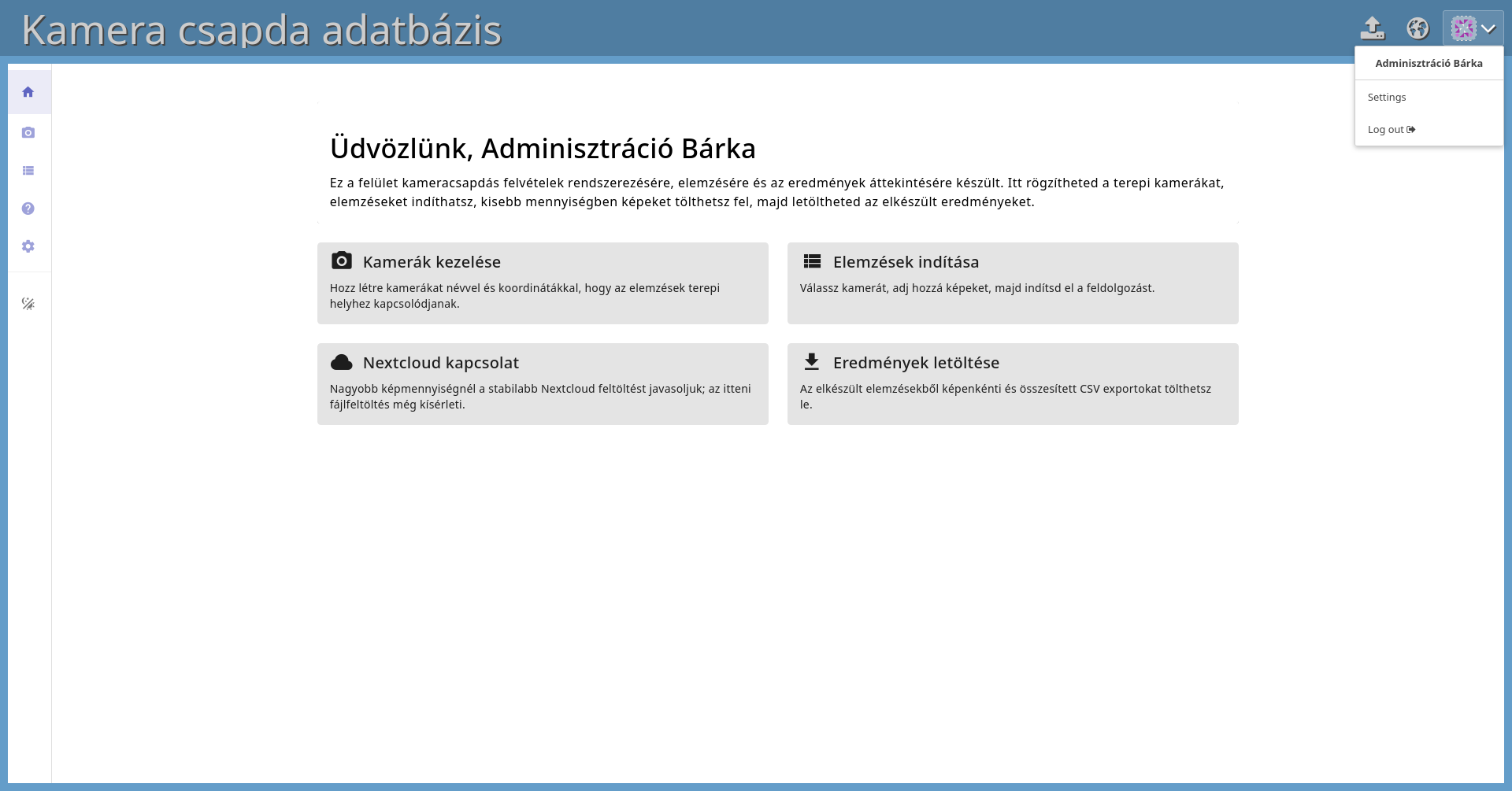
Single-page application used as a landing page.
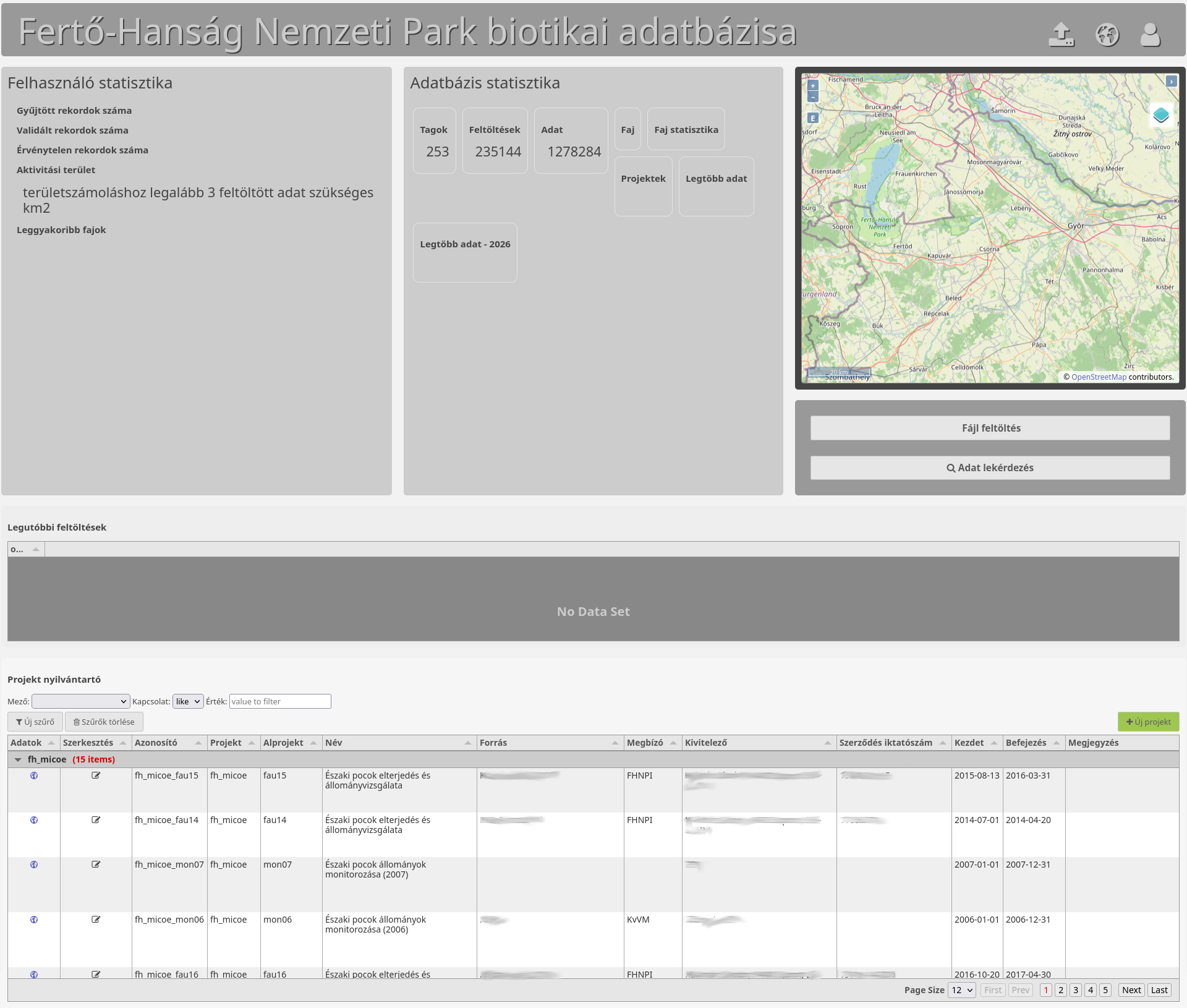
Built-in landing page with an integrated custom project-management application.